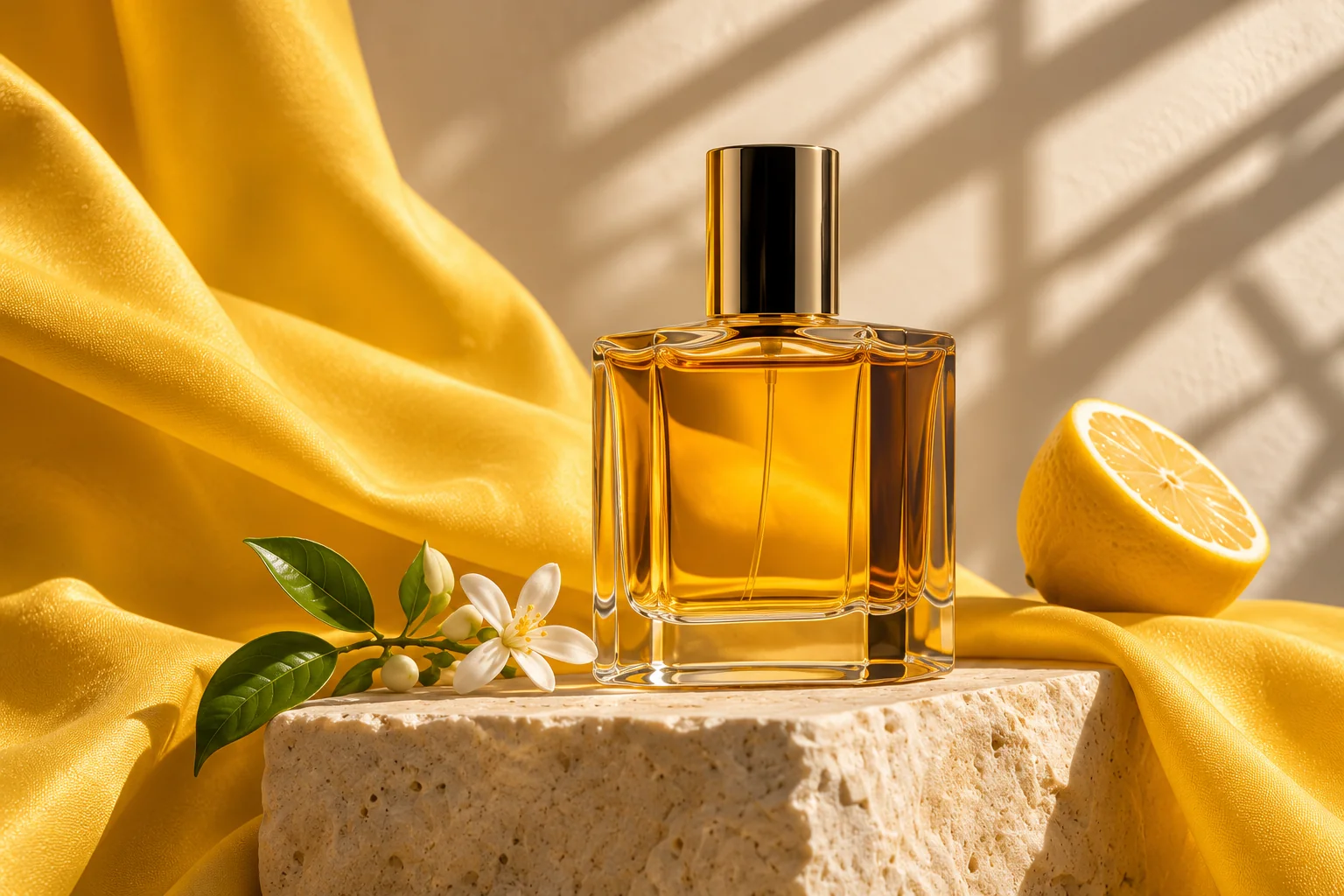
Uncrop Image AI: Expand Any Photo
Uncrop a photo online: expand an image beyond its original borders to any aspect ratio with content-aware AI outpainting. Free to try, no install.
Uncrop image AIUncropOutpaintAny ratioContent-aware
AI Image Generator
Try AI Video →Your generated image will appear here
TRY
Credits are charged per generation by model compute (from ~1 credit).
Content-aware
AI fills new areas to match the scene.
Any ratio
Square, portrait or landscape output.
Keeps the original
Original stays put while the canvas grows.
Natural blending
Seamless edges around the original.
How it works
1
Upload a cropped image.
2
Choose the target aspect ratio.
3
Generate the expanded image.
FAQ
It extends an image beyond its original borders.