Kimi K3, Explained: What the Largest Open-Source AI Model Means for Creators
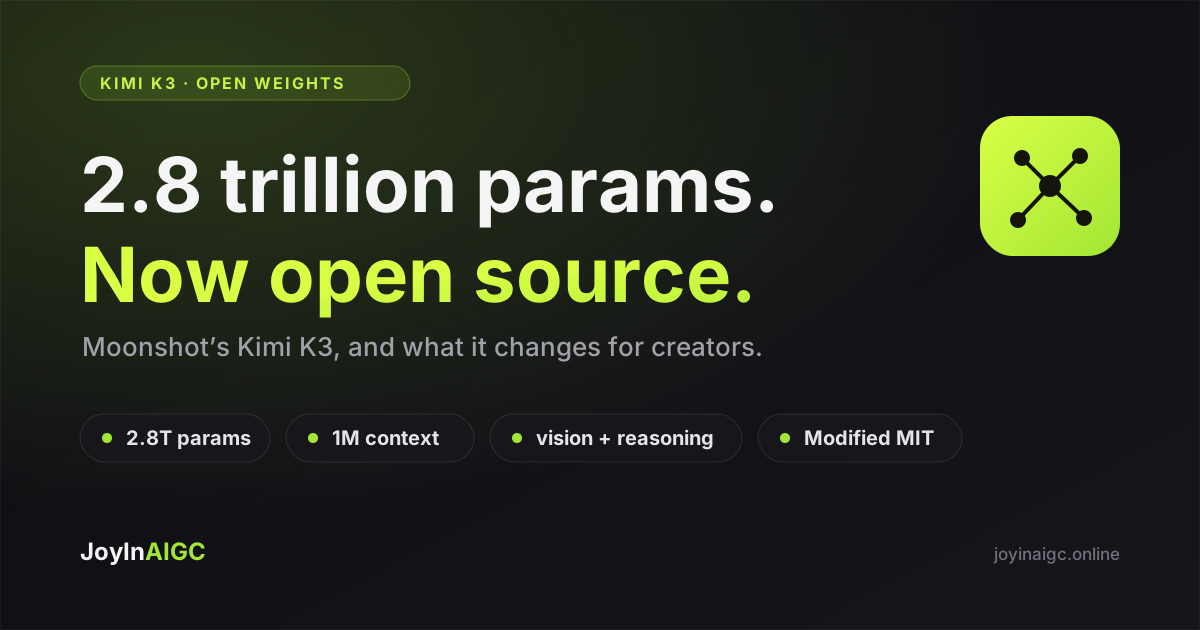
Kimi K3 is Moonshot AI's new open-weight model, released on July 27, 2026. It's a mixture-of-experts model with 2.8 trillion total parameters — the largest open model released so far — paired with a 1-million-token context window, native image understanding, and an always-on reasoning mode. The weights are downloadable under a Modified MIT license that allows commercial use. For most creators the headline isn't the size; it's what a frontier-grade open model does to the price and pace of AI. Here's a plain-English read on what Kimi K3 is, what it isn't, and where it fits alongside the tools you already use to make images and video.
What Kimi K3 actually is
Kimi K3 comes from Moonshot AI, the Beijing company behind the Kimi assistant. It's a text-and-vision model — you give it words and images, it reasons and writes back. Three numbers define it. First, 2.8 trillion parameters in a mixture-of-experts design, which means only a small slice of the model runs on any single token, so it's far cheaper to serve than the raw size suggests. Second, a 1-million-token context window — long enough to hold an entire product catalog, a book, or a month of chat history at once. Third, native vision: it reads images directly, so it can look at a reference photo and describe, critique, or plan around it. It also ships with an always-on reasoning ("thinking") mode for harder problems.
Why "open-source" is the real story
Models this capable are usually locked behind a company's API. Kimi K3 ships its actual weights — the trained model itself — under a Modified MIT license that permits commercial use. That matters for three reasons: anyone can inspect and audit it, teams can run it on their own hardware for data-sensitive work, and the price pressure it puts on closed models tends to push everyone's cost down. It landed right before the 2026 World AI Conference in Shanghai, and on benchmarks it trades blows with the strongest systems from OpenAI and Anthropic, while still sitting a step behind the very best closed models.
The catch: "open" doesn't mean "runs on your laptop." The weights are hundreds of gigabytes and need a multi-GPU server, so in practice most people will still reach Kimi K3 through a hosted API rather than self-host it.
What it means if you make content
Here's the honest framing, because it's easy to get wrong: Kimi K3 is a language-and-vision model, not an image or video generator. It writes, plans, reasons, and reads pictures — it doesn't paint them. So it won't replace your text-to-image or image-to-video tool. What it's genuinely great at is the thinking half of content work: brainstorming a campaign, writing a video script, turning a rough idea into a shot list, drafting ad copy in ten languages, or looking at a product photo and suggesting angles. Think of modern content creation as two layers — a reasoning layer that decides what to make, and a generation layer that actually makes the pixels. Kimi K3 is a leap on the first layer.
A practical two-step workflow
The two layers work best together. Use a strong reasoning model — Kimi K3, or whichever assistant you already have — to turn a one-line idea into a concrete brief: the scene, the mood, the exact prompt, the aspect ratio, the on-screen text. Then bring that prompt to a generation platform and actually render it. That's exactly what JoyInAIGC is built for: paste your prompt into text-to-image or image-to-video, pick a model, and get the asset. The better your brief, the better the output — which is why a sharper reasoning model upstream makes your generated images and videos better downstream, even though the two never touch the same file.
→ Turn a prompt into videoThe bigger pattern: frontier models, minus the lock-in
Kimi K3 is one data point in a clear trend: frontier-grade AI is getting more open, more competitive, and cheaper to reach. The same shift is happening on the generation side. A year ago, using the best image model and the best video model meant juggling separate accounts, separate subscriptions, and separate bills. JoyInAIGC takes the opposite bet — the top image, video, and audio models sit behind one credit balance, you pay for what you actually generate, and paid plans include commercial rights. You don't marry a single vendor; you use the right model for each job. That's the generation-side version of what open weights are doing for language models.
→ See the model rosterSo should a creator care?
If you self-host models or build AI products, Kimi K3 is a genuinely big release — audit it, test it, maybe deploy it. If you're a seller or short-video creator, you don't need to download anything; you'll feel Kimi K3 indirectly, as the assistants you use get better and cheaper at the thinking part of the job. Either way, the practical move is unchanged: get sharp at writing briefs and prompts, and keep a fast path from prompt to finished image or video. The models will keep leapfrogging each other; a good workflow is what compounds.
Try it yourself
Moonshot open-sourced Kimi K3: a 2.8-trillion-parameter model with a 1M-token context and native vision. What it is, and what it means for AI creators.
Turn a prompt into videoFAQ
Is Kimi K3 really open source and free to use commercially?
The weights are downloadable under a Modified MIT license that permits commercial use, so yes for the model itself. "Free" has an asterisk though: running it takes a serious multi-GPU server, and most hosted providers charge per token for API access.
Can I run Kimi K3 on my own computer?
Not on a normal PC. The weights are hundreds of gigabytes and need a multi-GPU server (a cluster, for the full model). For everyday use, an API or hosted endpoint is the realistic option.
Does JoyInAIGC use or offer Kimi K3?
No — and that's the honest answer. JoyInAIGC is a generation platform for images, video, and audio; Kimi K3 is a language-and-vision model. They're complementary layers, not the same tool. Use a reasoning model to plan and write prompts, then generate the visuals on JoyInAIGC.
What is the difference between Kimi K3 and an image or video generator?
A generator turns a prompt into pixels — an image or a video clip. Kimi K3 turns words and images into more words and reasoning: scripts, plans, prompts, analysis. One decides what to make; the other makes it.
How does Kimi K3 compare to GPT and Claude?
On public benchmarks it trades blows with the strongest systems from OpenAI and Anthropic and sits just behind the very top closed models. Its standout differences are being openly downloadable and its very long 1-million-token context. Which is "best" depends on your task, budget, and whether you need open weights.